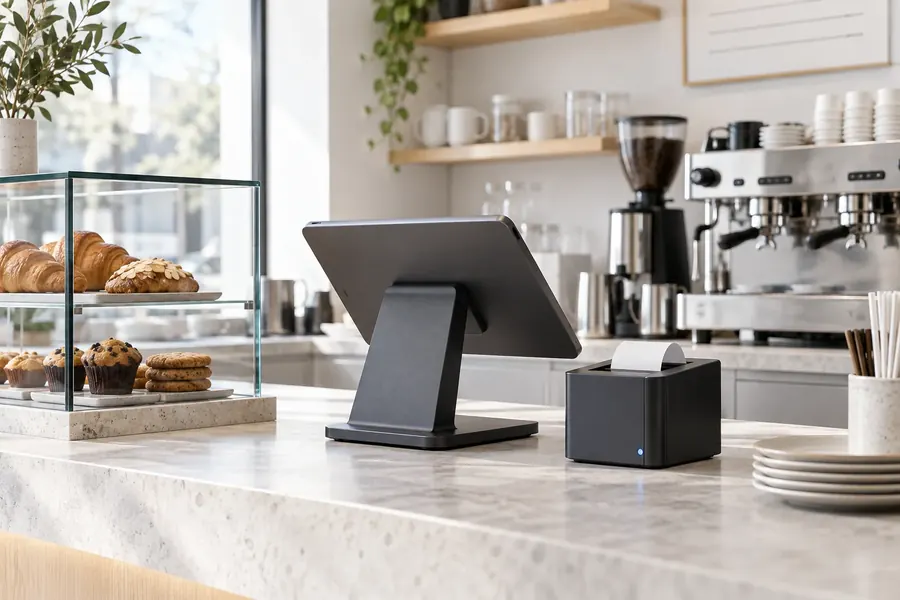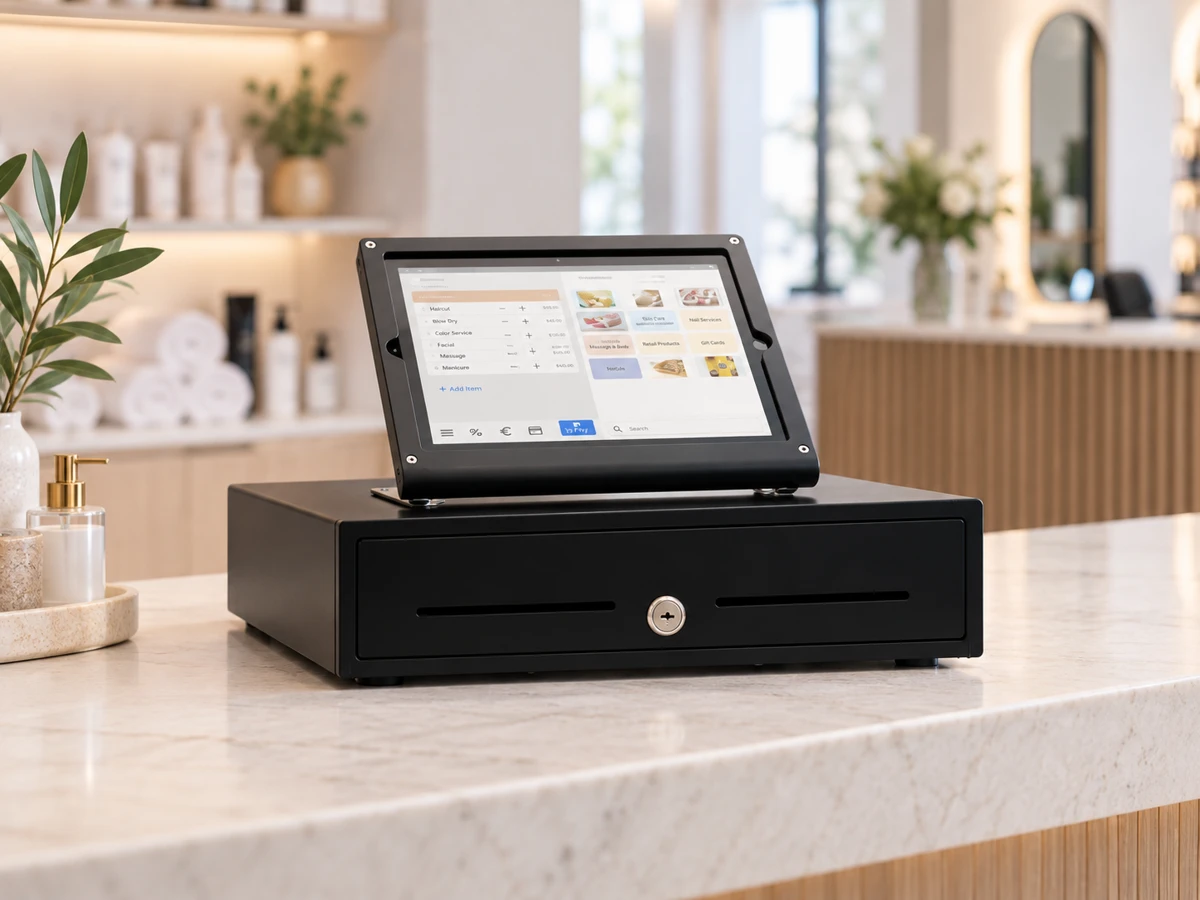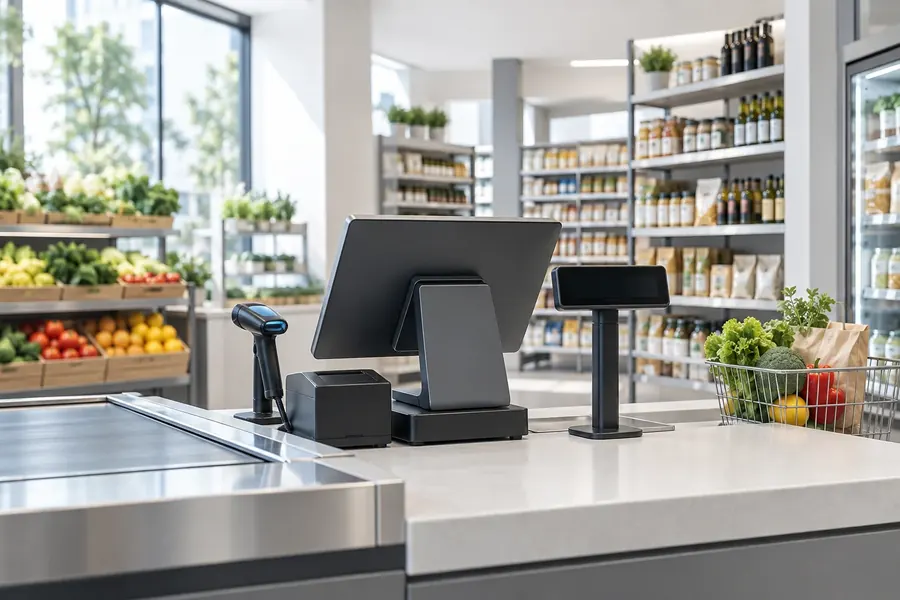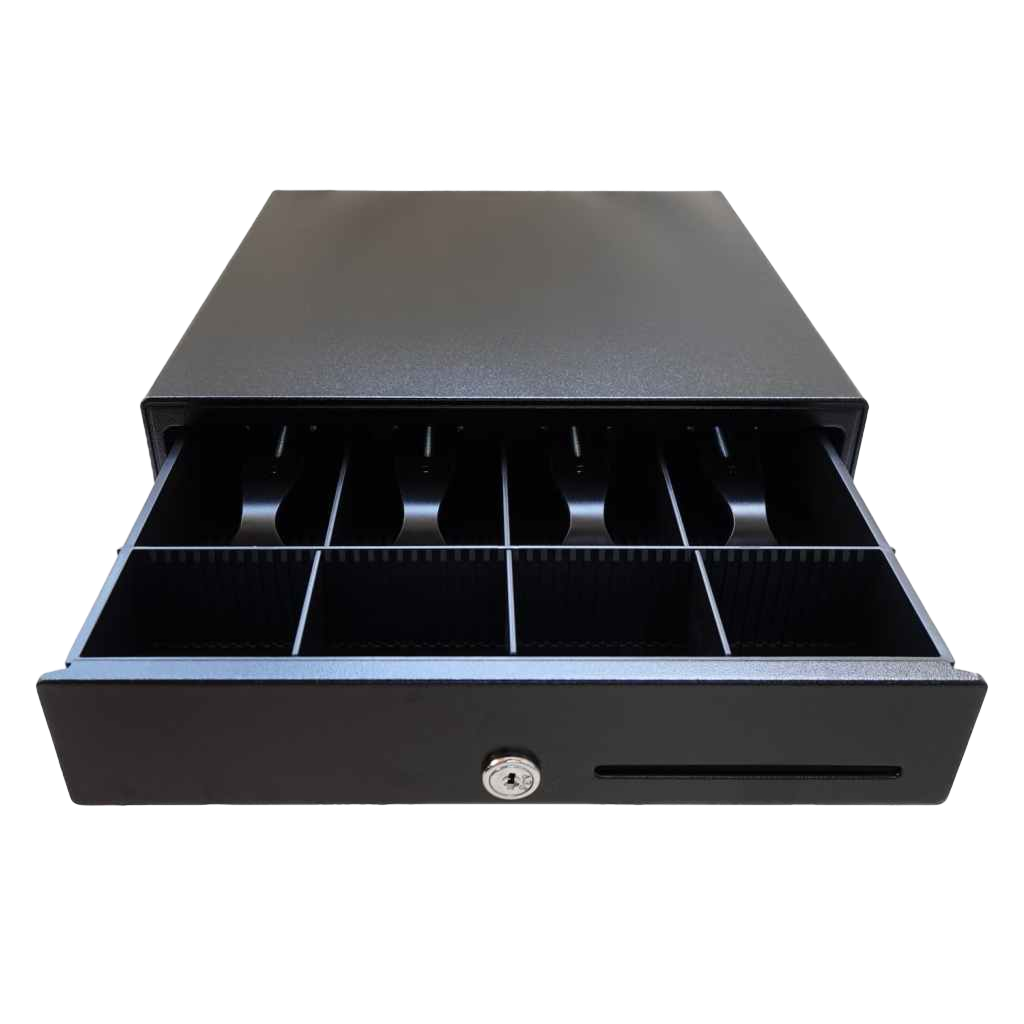
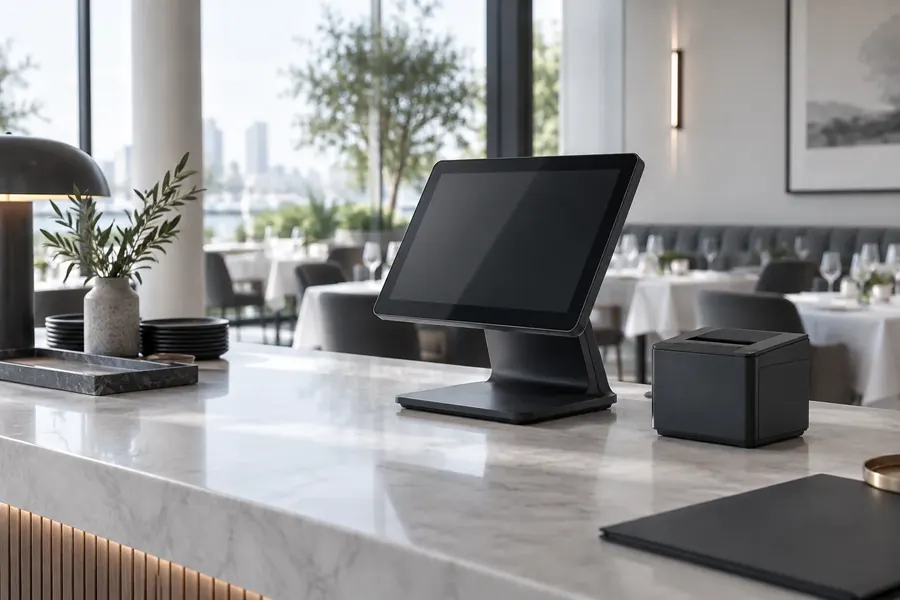
POS Hardware Built Around Your Work.

01Countertop terminalsDaily trade
02Mobile & handheldService anywhere
03Printers & accessoriesReady to connect

Choose hardware that fits your counter, service model and growth plans. CompuCash configures terminals, printers, drawers, scanners and mobile devices as one supported operating setup.

35+

Years of POS experience across international markets

10K+

Businesses trust CompuCash across 10 countries

24/7

UAE-based support available whenever needed

1 day

Typical setup and go-live anywhere in the UAE

Hardware Bundles

Pick your kit.

Every bundle ships pre-installed with CompuCash, tested, and ready to take your first order.

Most Popular
01

Windows POS Kit

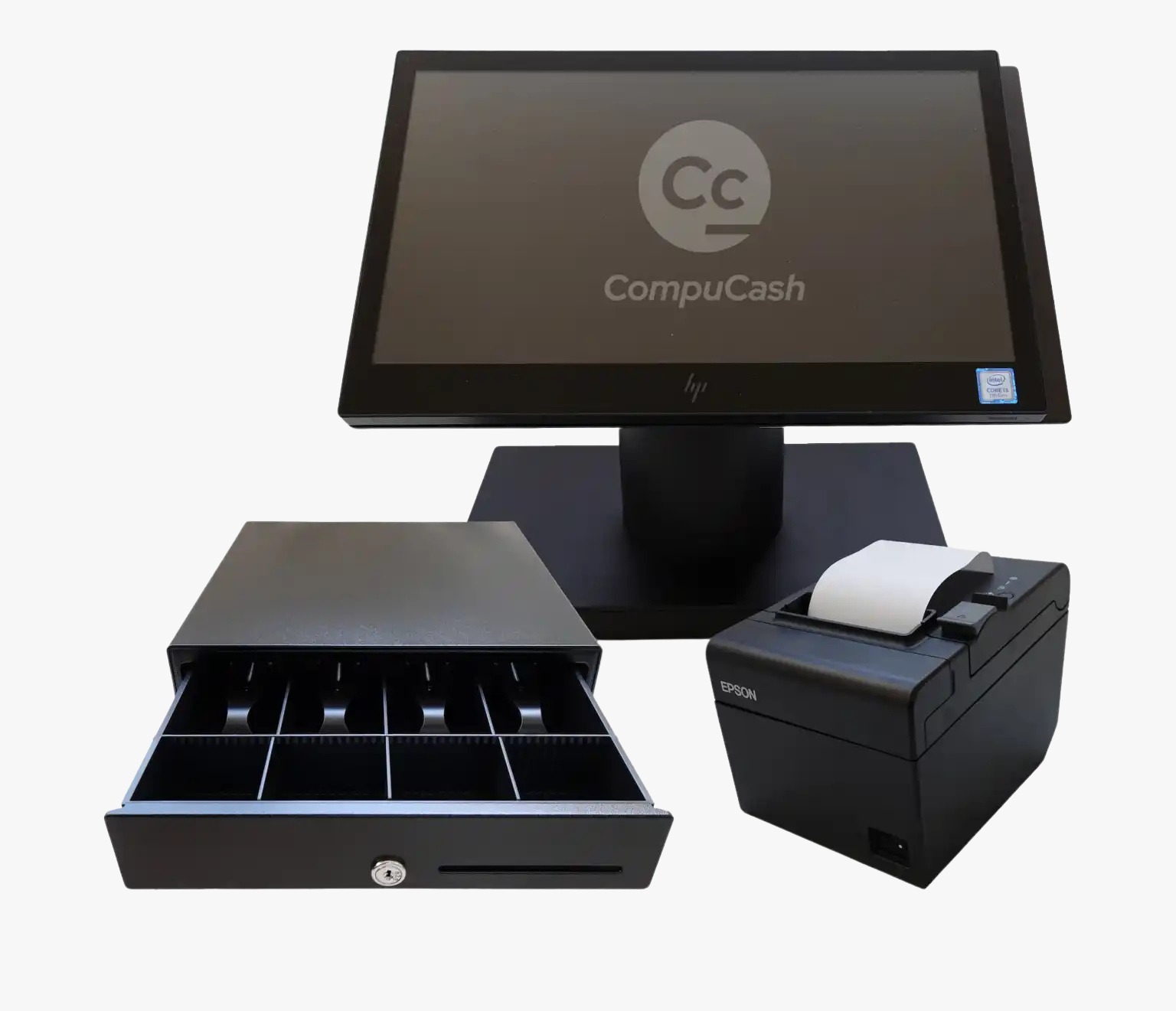
Full Windows 11 workstation with 15" touch display, thermal printer, cash drawer, and barcode scanner. The gold standard for high-volume restaurants and busy retail floors.

15" J4125 Touch Screen All-in-One
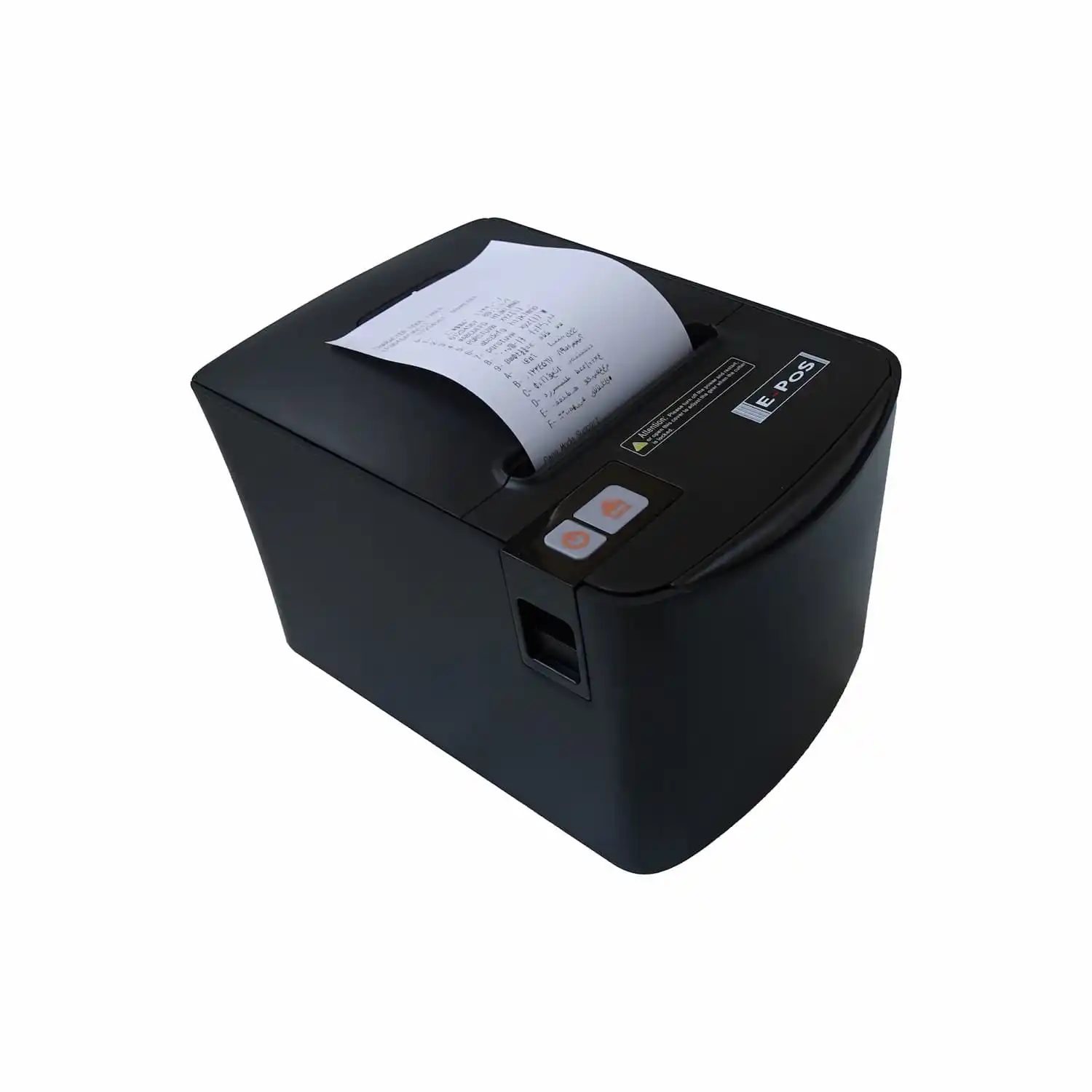
80mm Thermal Receipt Printer
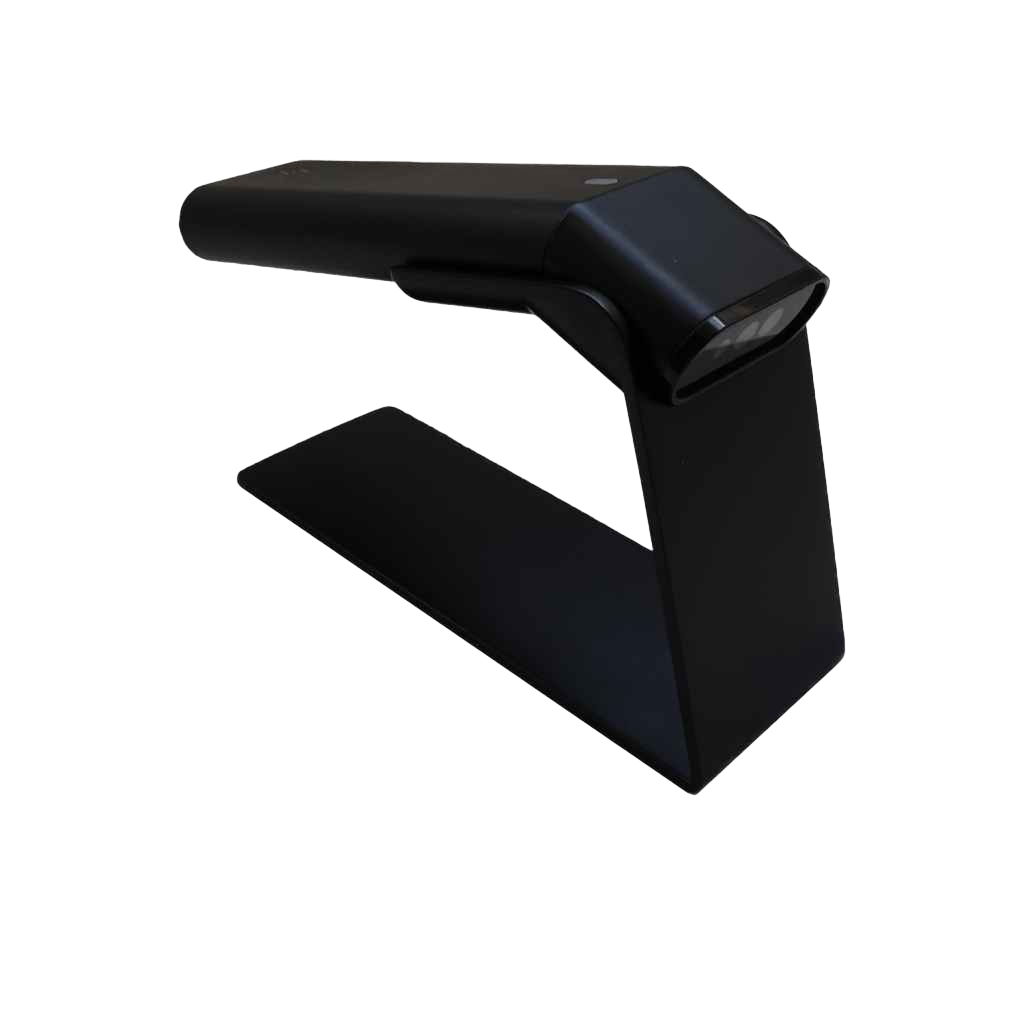
Cash Drawer + Barcode Scanner
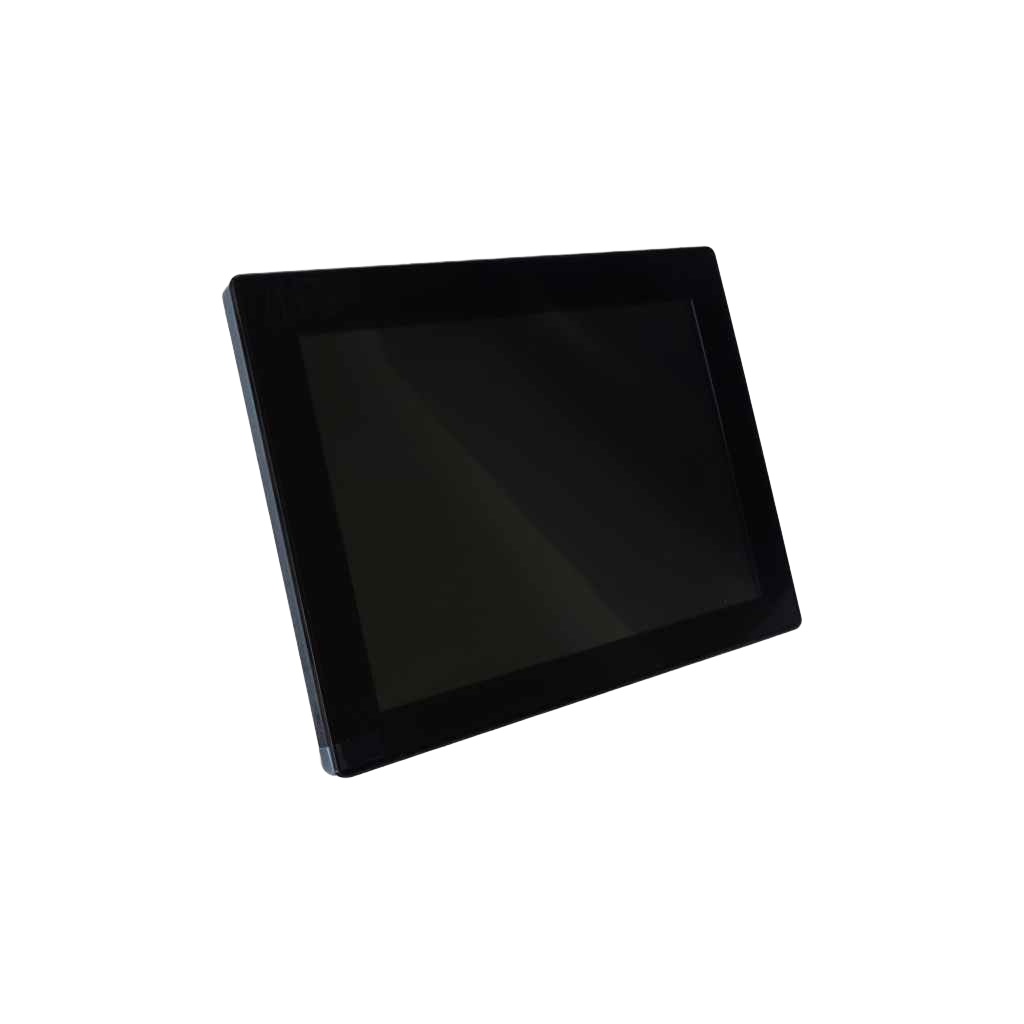
Customer Display Screen
02

Android All-in-One

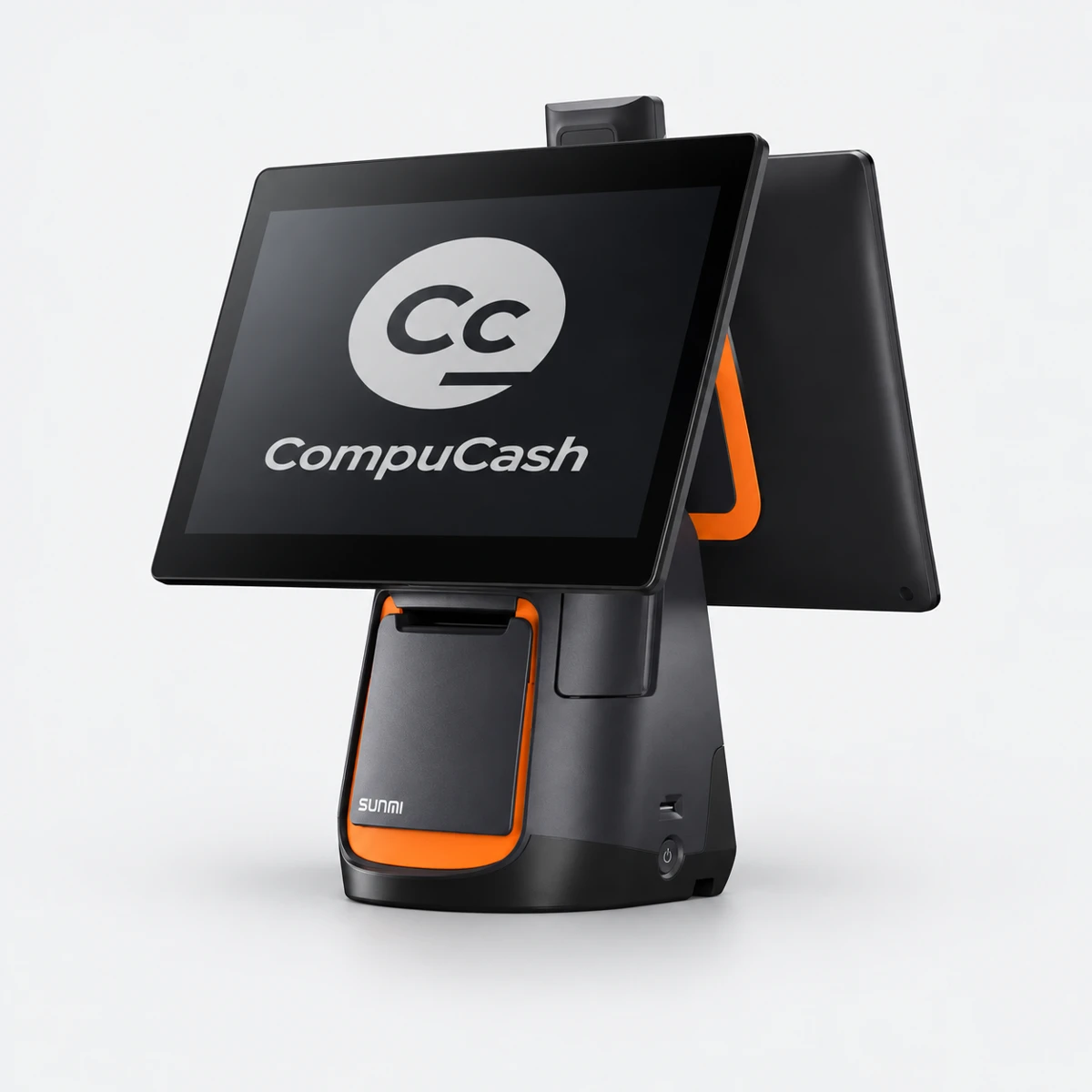
Sleek, space-saving Android terminal with built-in printer and customer-facing display. Perfect for cafes, bakeries, and compact retail spaces where counter space is premium.

15.6" Android AIO + 10" Customer Screen
Built-in 80mm Thermal Printer
Contactless Payment Ready
CompuCash Android All-in-One original product photograph retouched
03

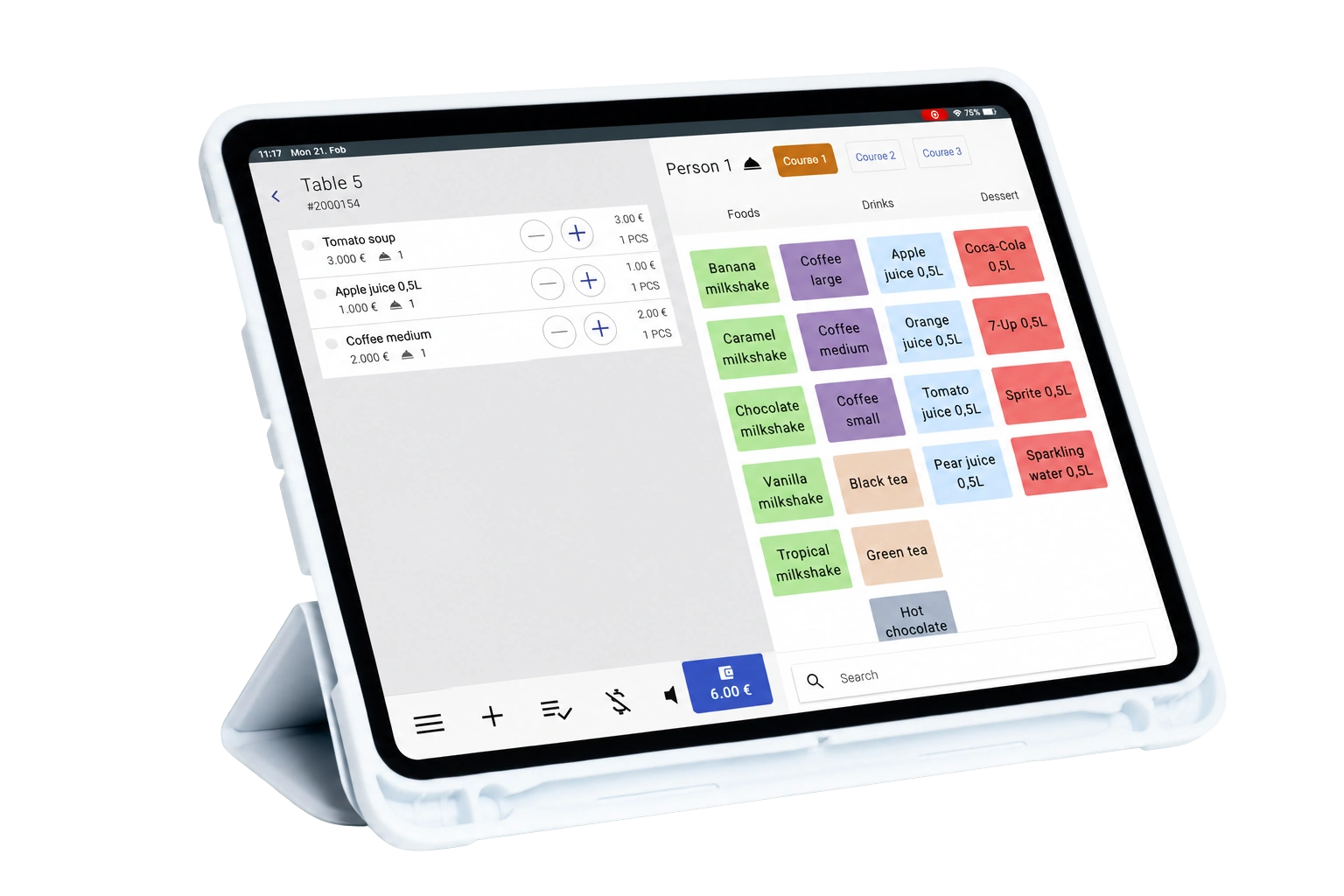
iPad POS Bundle

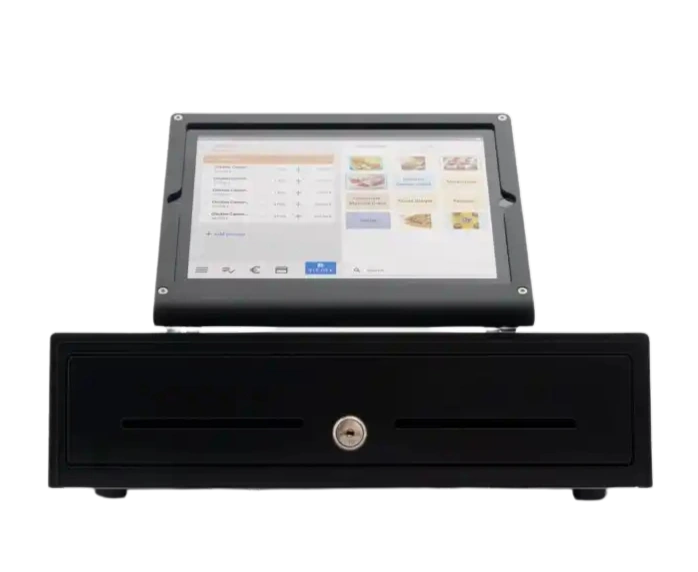
Elegant iPad setup with premium stand and Bluetooth printer. Loved by boutique retail, spas, and fast-casual dining — where aesthetics matter as much as performance.

iPad 11th Gen + Premium Enclosure
Bluetooth EPSON Printer
Wireless Barcode Scanner
04

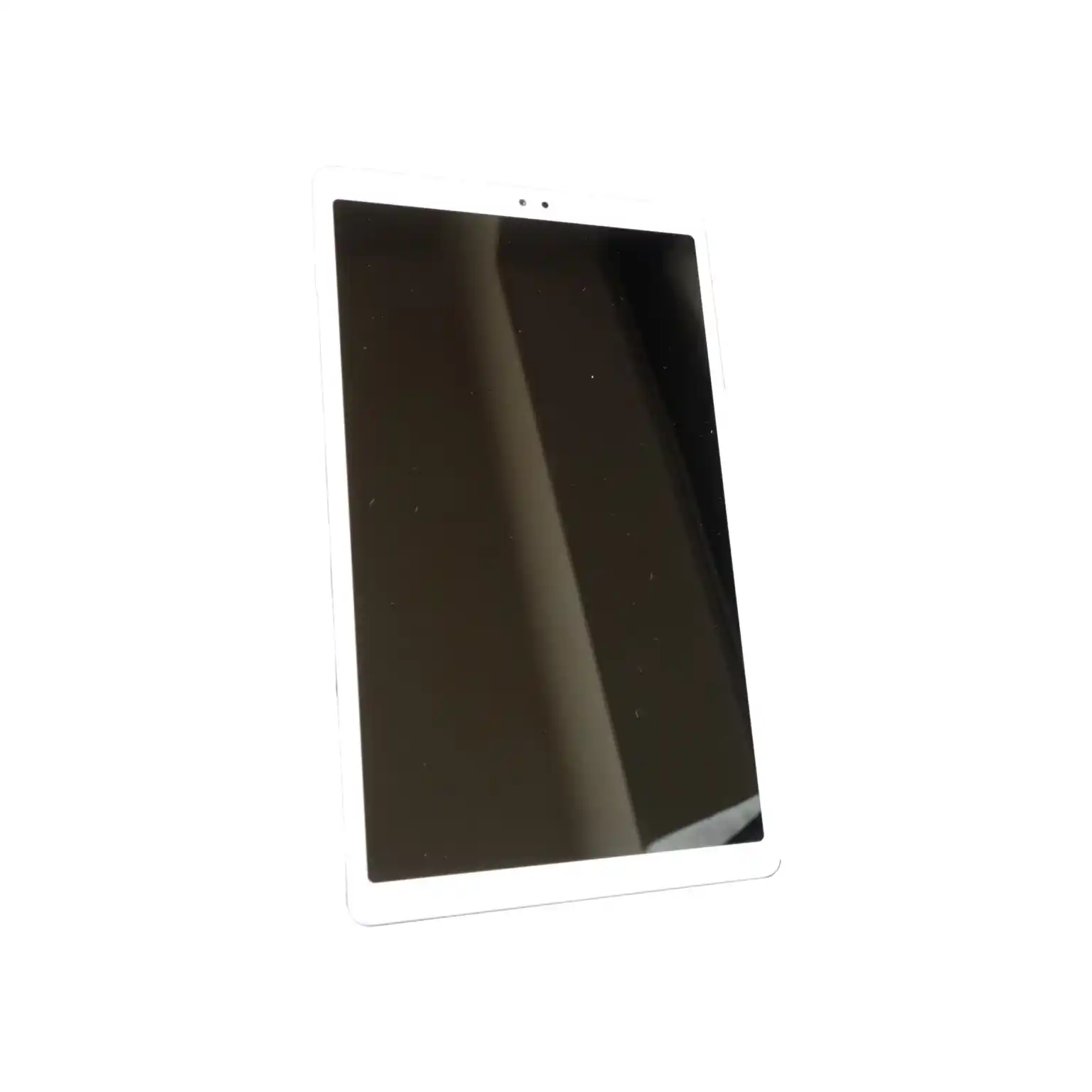
Samsung Tablet Bundle

The flexible mid-range option — Samsung Tab with rugged case, kickstand, and thermal printer. Great for food trucks, kiosks, or as a secondary station in larger setups.

Samsung Tab A9/A11 (or similar) + Rugged Case
58mm Portable Bluetooth Printer
Adjustable Countertop Stand
05

Android Handheld

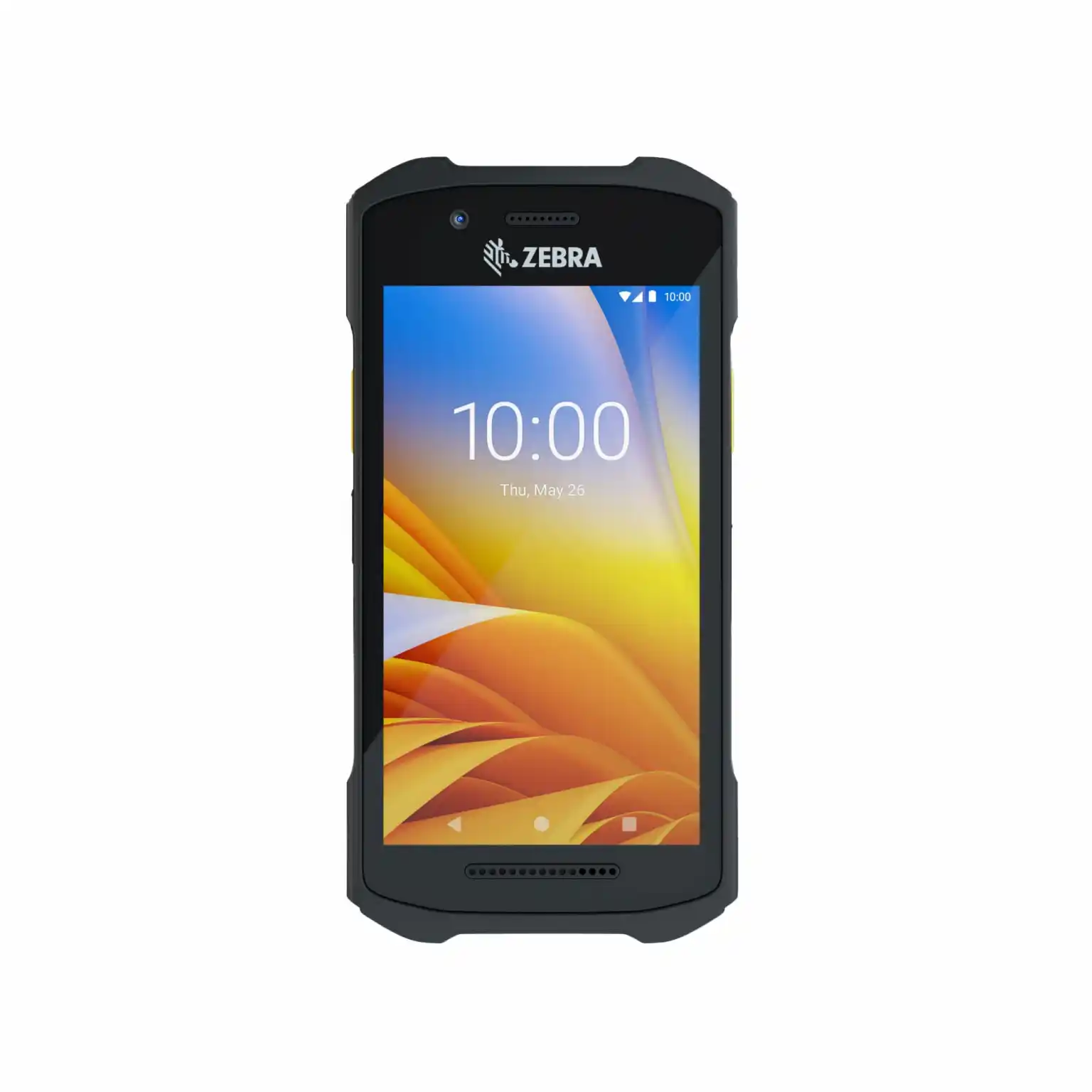
A mobile device for waiter ordering, stock lookup and service away from the counter. Choose a compatible Android handheld tablet with our team.

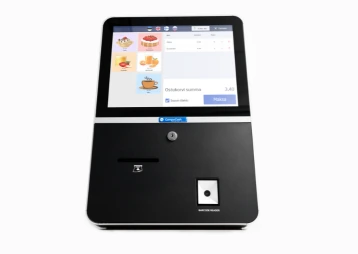
CompuCash self-service kiosk with touchscreen, receipt outlet and barcode reader
CompuCash self-service kiosk Product reference

Self-Service

Self-Service Kiosk

Give guests a dedicated touchscreen for ordering and payment. Choose the placement and payment setup that suit your operation; our UAE team confirms the available hardware and configuration.

Discuss a Kiosk Setup →

Specifications

Recommended specs by platform

Platform recommendations for your POS setup. Confirm the final configuration with our team.

PlatformProcessorRAMStorageRecommended use
Windows POSRecommended: Core i3 or better4 GB min.
8 GB recommended
16 GB performance
128 GB SSD min.
256 GB recommended
Fixed tills, retail, restaurants, integrations and local peripherals
iPadApple A14 Bionic or newer
M-series for premium use
4 GB min.
8 GB preferred for high volume
64 GB min.
128 GB recommended
Premium countertop POS, menus, table service and mobile checkout
iPhoneApple A14 Bionic or newer
(iPhone 12 generation+)
4 GB min.
6 GB+ preferred
64 GB min.
128 GB recommended
Waiter ordering, manager access, inventory checks and mobile ordering
Android tabletOcta-core 2.0 GHz+
Snapdragon 6/7, Helio G99 or equivalent
4 GB min.
6-8 GB recommended
64 GB min.
128 GB recommended
Cost-effective countertop or mobile POS
Android phoneOcta-core 2.0 GHz+
Snapdragon 6/7 or equivalent
6 GB min.
8 GB recommended
128 GB recommendedMobile ordering, stock lookup, supervisor functions and events

Pick Your Build

Built for your type.

Pick your operation. We hand you the build, the recommended device, the kit, and the why, configured the way that business actually runs in the UAE.
Restaurant POS hardware setup Build 01 · Restaurant
Build 01 · Restaurant

Tables full. Kitchen in sync.

CounterHandheldsHigh volume

High-volume tables, kitchen display screens, and tableside ordering. A Windows Kit at the counter backed by waiter handheld tablets for waitstaff is where most restaurants land.

  • Recommended: Windows Kit + waiter handheld tablets
  • Kitchen Display Screen as an add-on
  • Table QR ordering supported
  • Delivery: Talabat, Deliveroo, Noon
  • Multi-branch management and reporting
Get a Restaurant Demo
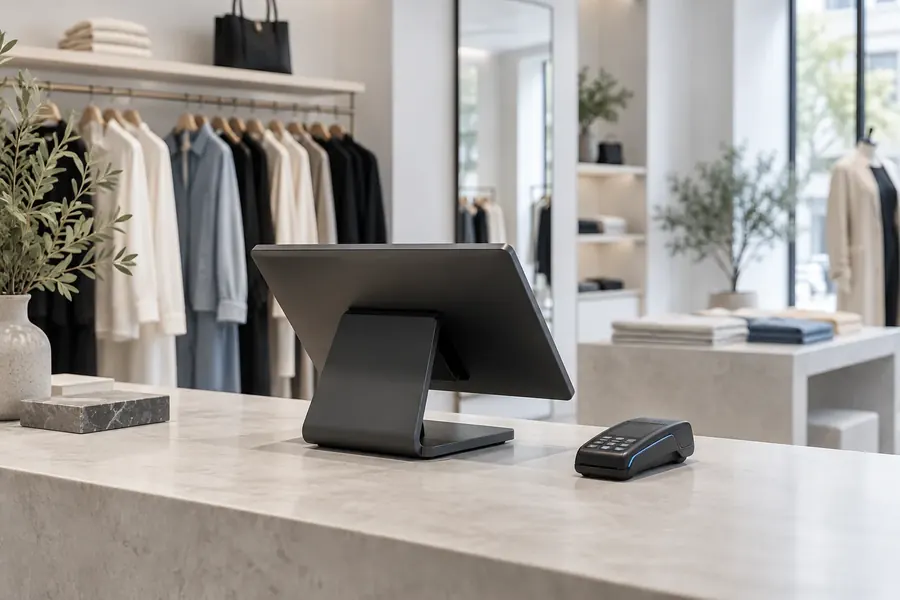
Cafe and bakery POS hardware setup Build 02 · Cafe
Build 02 · Cafe & Bakery

Small counter. Fast queue.

CompactCounterLoyalty

Speed at the counter, space on the bar. The Android All-in-One takes a minimal footprint while handling the queue. Add a customer display for upsell prompts at checkout.

  • Recommended: Android AIO or iPad Bundle
  • Compact footprint, full functionality
  • Loyalty and punch-card rewards built in
  • Tab split, partial payments, and tipping
Get a Café Demo
Retail and fashion POS hardware setup Build 03 · Retail
Build 03 · Retail & Fashion

Scan. Size. Sell.

CounterScannerInventory

Barcode scanning, inventory, and size/color variants. The Windows or iPad Kit supports checkout at the cash wrap, with a barcode scanner to process stock as it arrives.

  • Recommended: Windows or iPad Kit + barcode scanner
  • Inventory with size/color/branch tracking
  • Customer purchase history and CRM
  • Multi-branch inventory transfers
  • Supplier PO and stock alerts
Get a Retail Demo
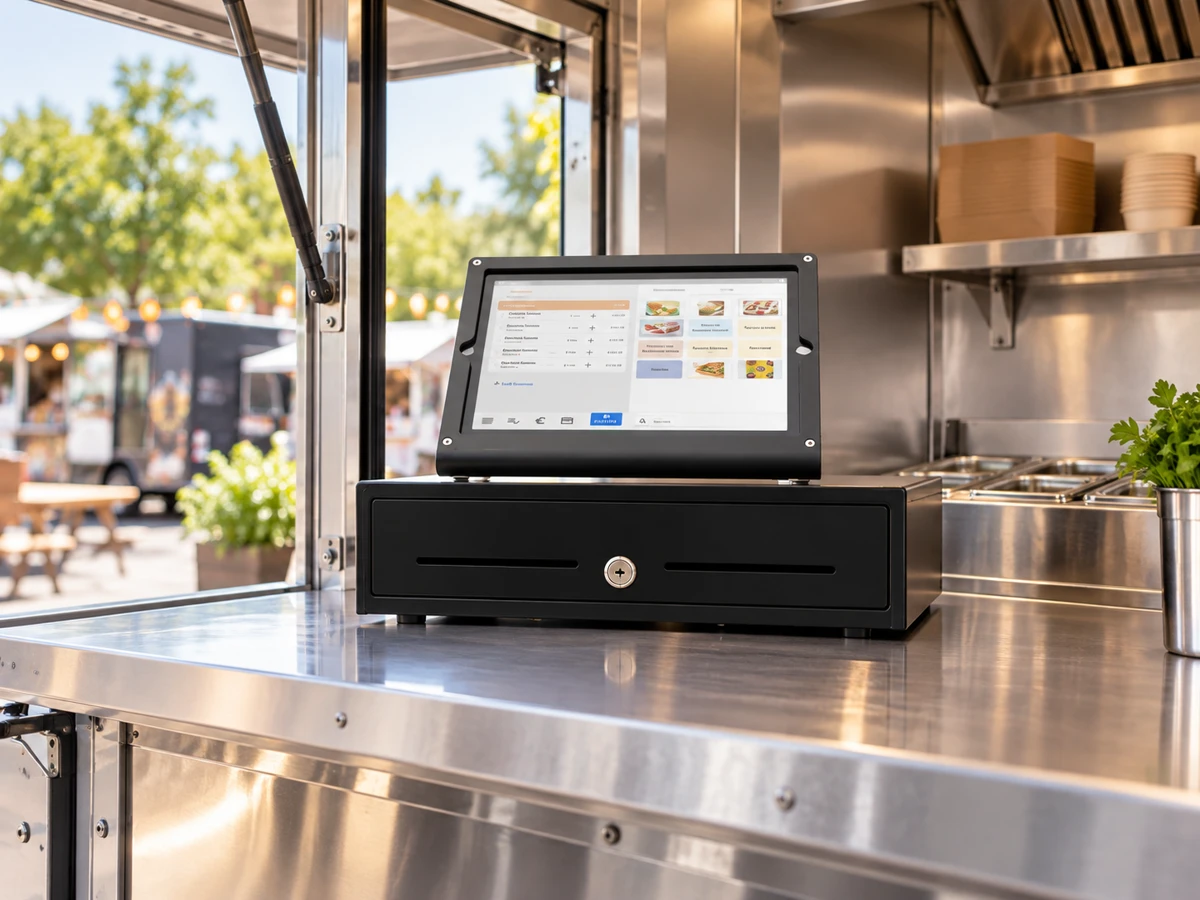
Illustrative iPad POS kit arrangement at a salon reception desk Build 04 · Salon · Illustrative setup
Build 04 · Salon & Spa

Booked, served, paid.

ReceptionBookingPremium

Appointment booking, staff commissions, and client history. An iPad Bundle or Windows Kit supports the reception desk. Add a card reader for a seamless checkout after services.

  • Recommended: iPad Bundle or Windows Kit
  • Booking, staff login, and tip management
  • Client loyalty and package tracking
  • Real-time staff clock-in and commission
  • Inventory for retail products and packages
Get a Salon Demo
Illustrative iPad POS kit arrangement at a food truck service window Build 05 · Food Truck · Illustrative setup
Build 05 · Food Truck

Small space. Fast service.

Mobile OrderingCompactFlexible Setup

Use an iPad bundle at the service window or Android handheld devices for mobile ordering. Choose printers and payment accessories to suit your truck.

  • Recommended: iPad Bundle or Android handheld
  • Receipt printer options for your setup
  • Mobile Ordering
  • Cash drawer and card reader ready
Get a Food Truck Demo
Supermarket POS hardware setup Build 06 · Supermarket
Build 06 · Supermarket

Every lane, one system.

Multi-laneScaleMulti-branch

Multiple checkout lanes, high-speed scanning, and real-time inventory across branches. A Windows Kit per lane with a full-size scanner and cash drawer handles the volume.

  • Recommended: Windows Kit per lane
  • Scale integration for weighted items
  • Multi-branch inventory and transfers
  • Supplier management and automated PO
  • Multi-payment: cash, card, BNPL, wallet
Get a Supermarket Demo

Accessories

Everything else you need.

Mix and match individual accessories with any bundle, or add them to your existing setup.

Thermal kitchen printer
Cash Drawer
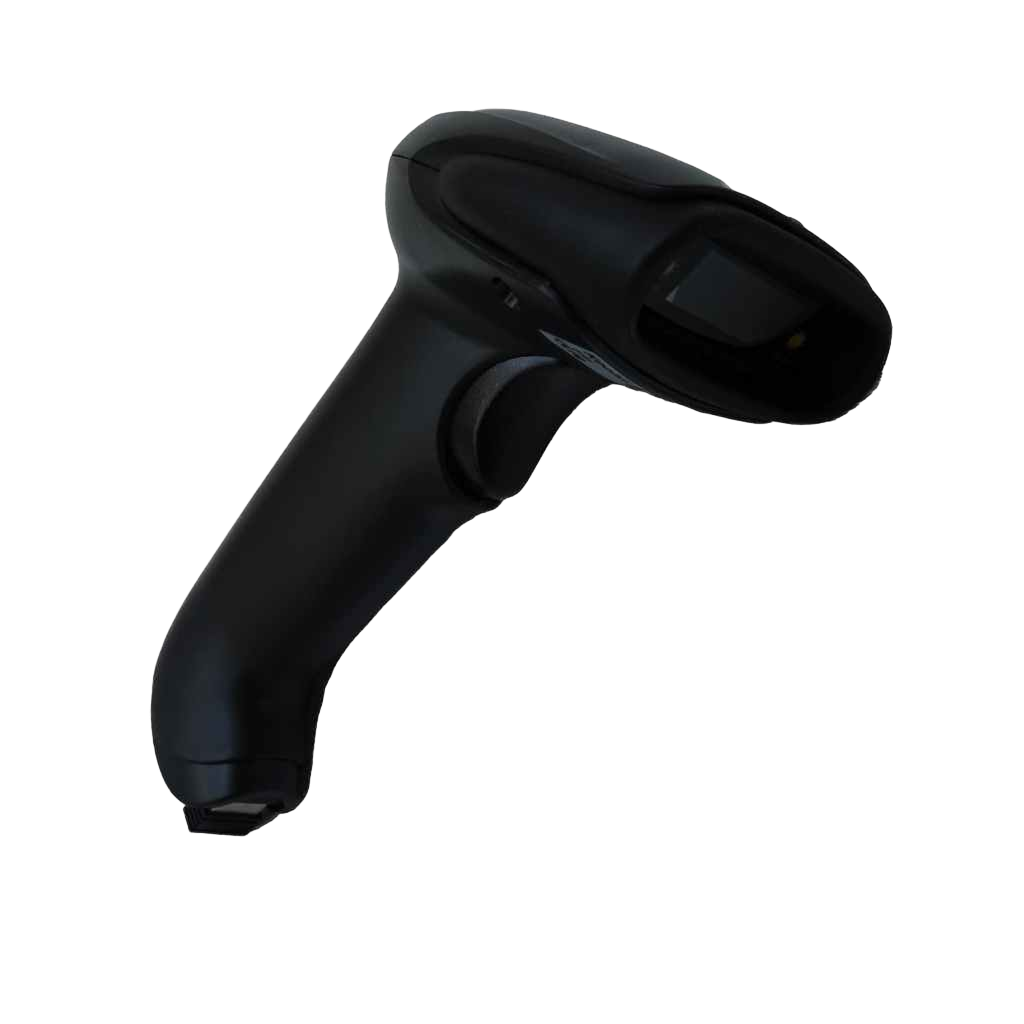
Barcode Scanner
Customer Display
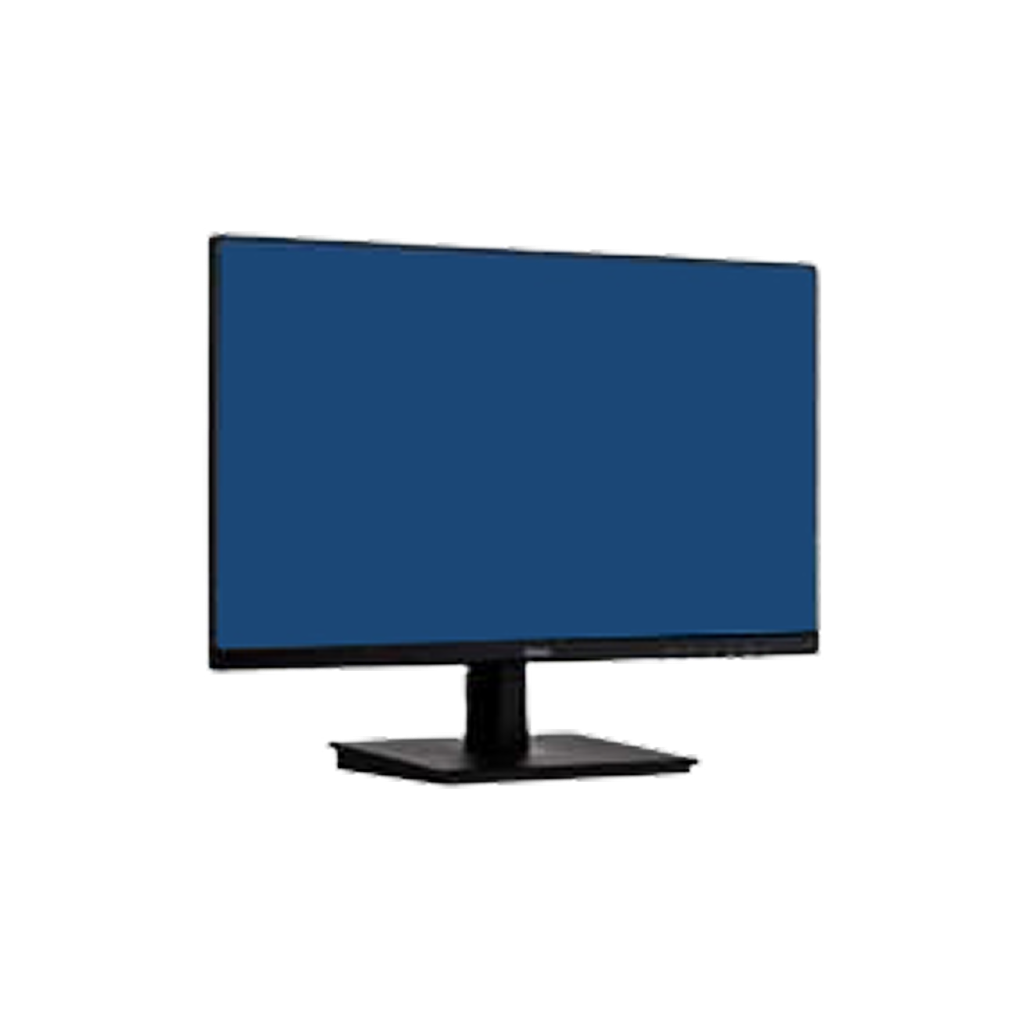
Kitchen Display Screen
Card Payment Terminal
Barcode scanner wireless
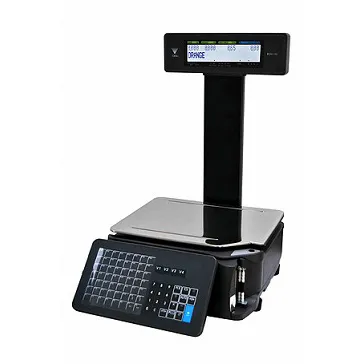
Label scales DIGI
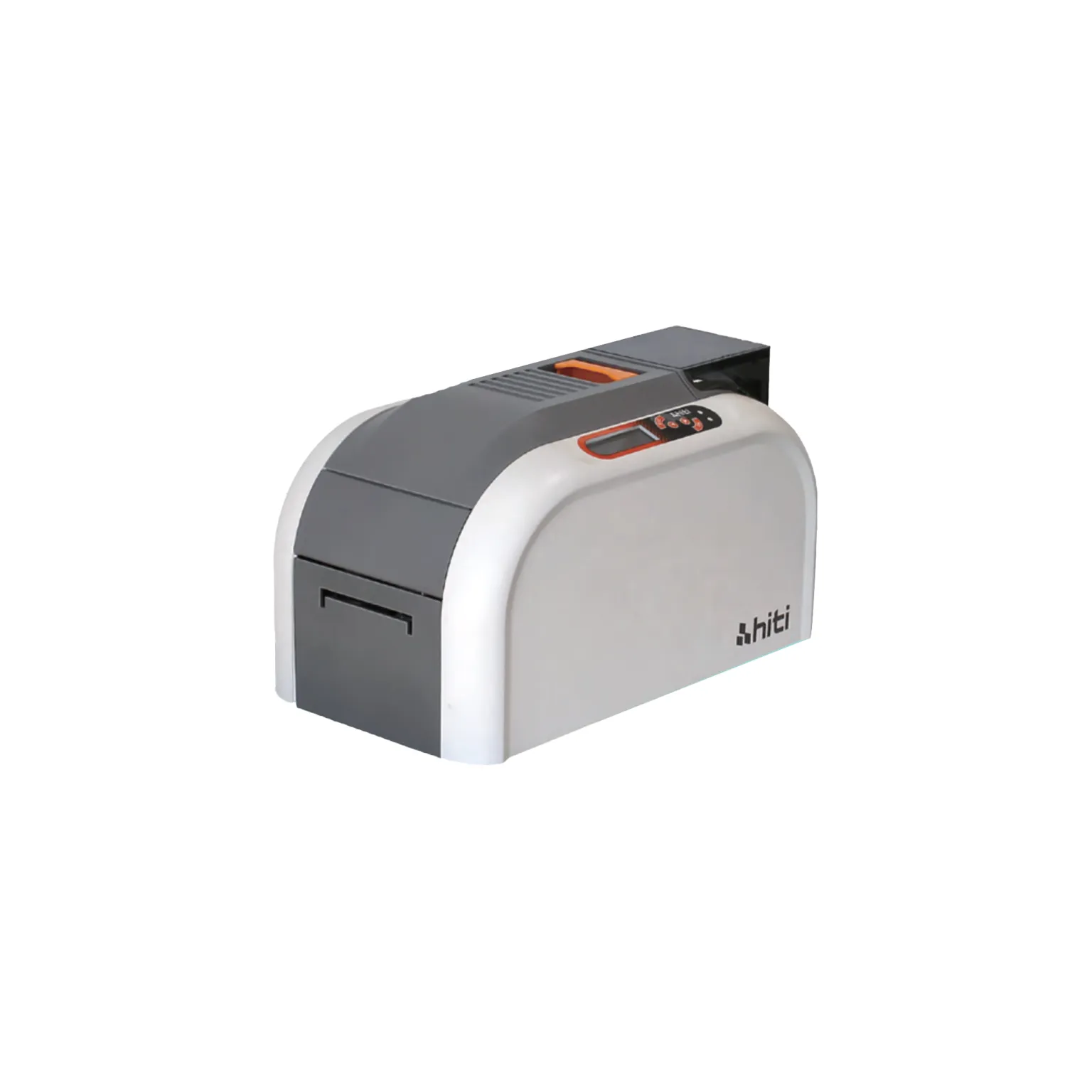
ID card printer
Inventory scanner
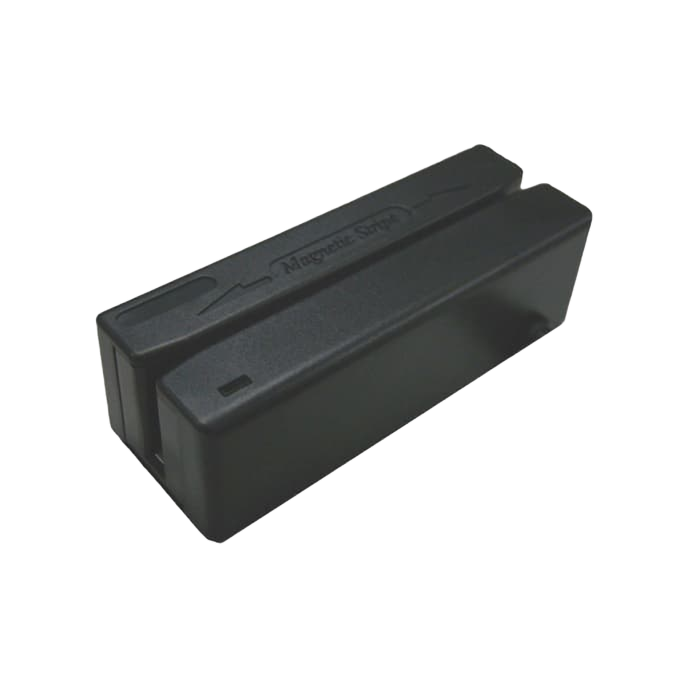
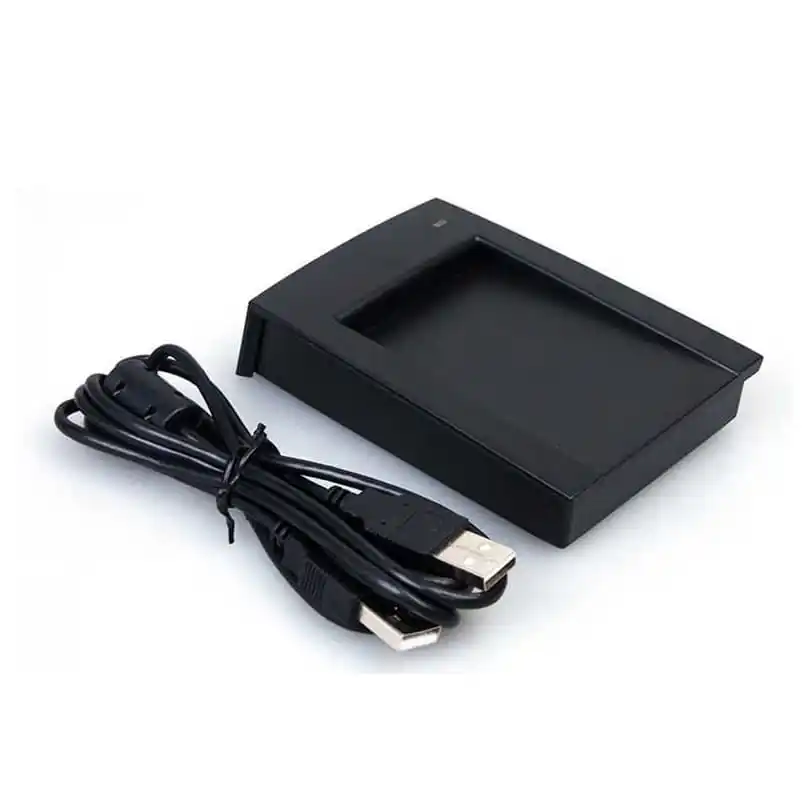
Card Reader Mifare/NFC
Samsung 7” waiter tablet
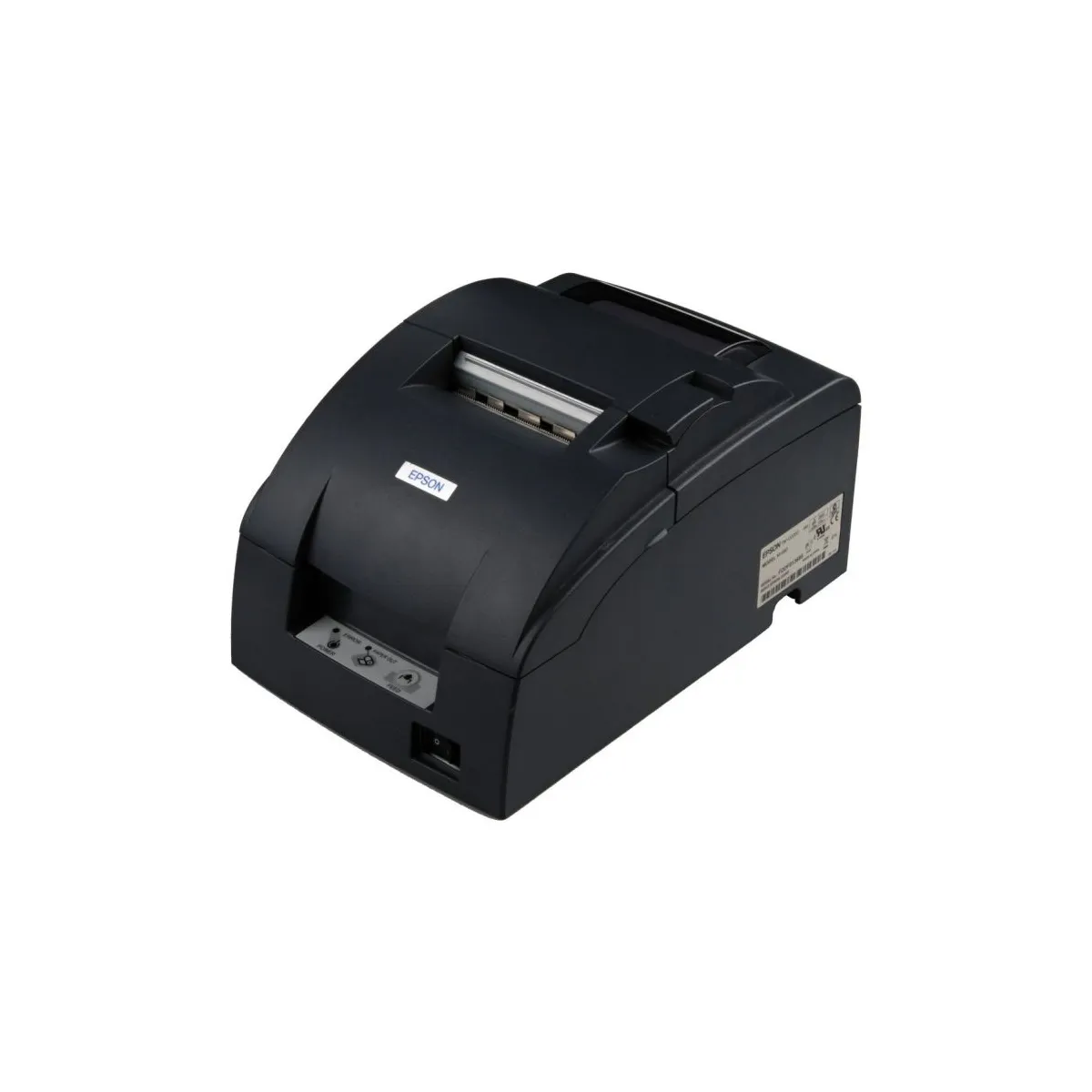
Matrix kitchen printer
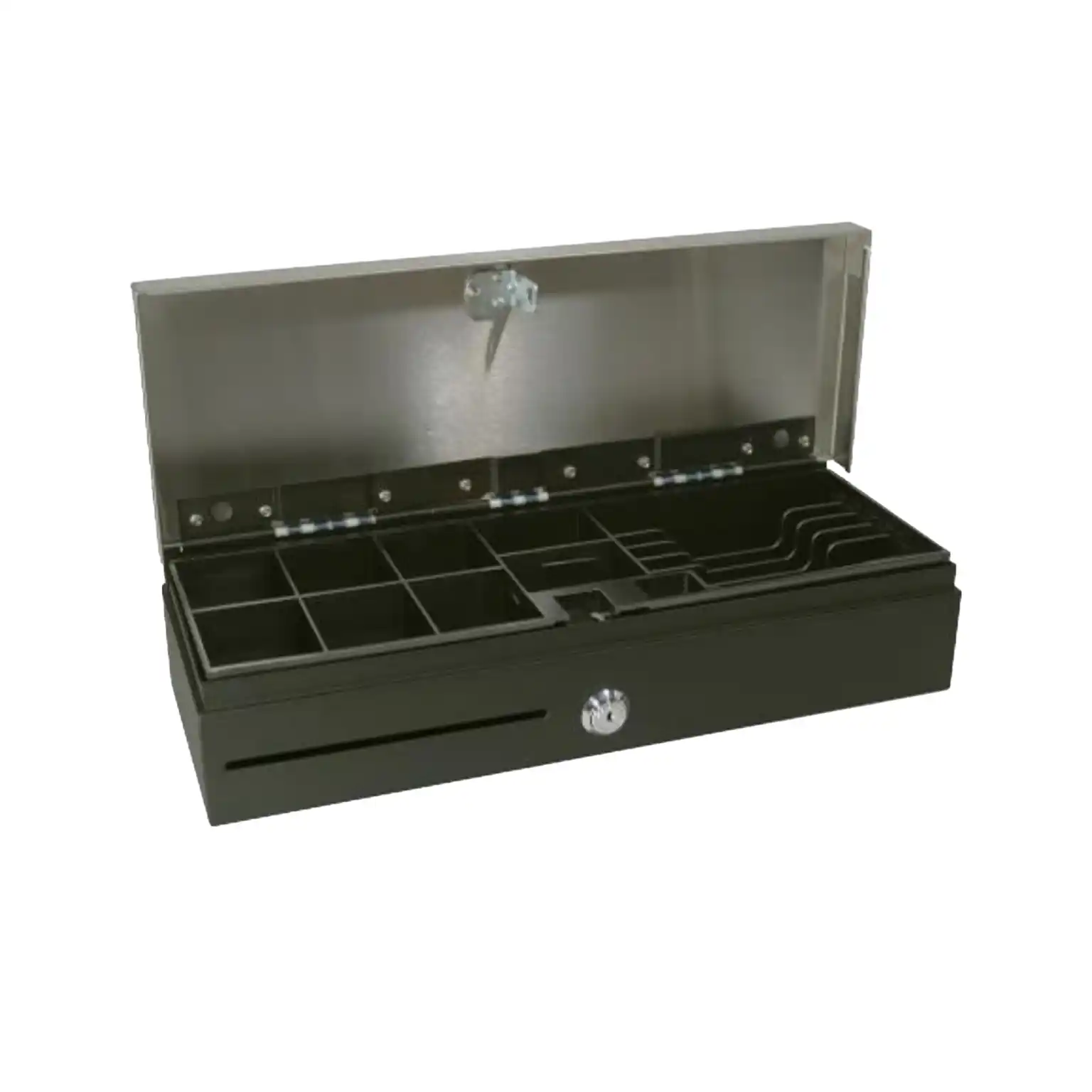
Cash Drawer: flip-top
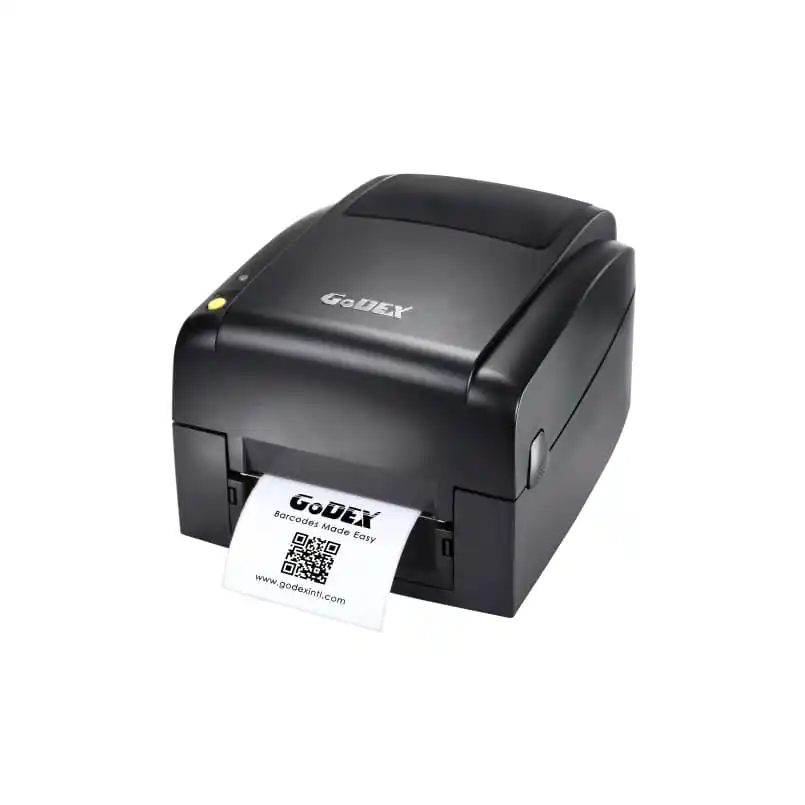
Label Printer

CONNECTED OPERATIONS

Built to Connect, Not Become Another Data Island.

Your POS sits at the center of the operation. It should communicate with the other systems running the business.

Supported delivery, payments, hospitality, ERP, finance, ecommerce and other integrations can form part of the solution.

Delivery
Payments
Hospitality
COMPUCASHPOS
ERP
Finance
Ecommerce
Other Integrations
01

Open Integration

API capabilities support enterprise and custom requirements.

02

We Work Through the Requirement With You

Integration is not just a logo on a website. Our team works with the customer to understand the required data flow, involved systems, implementation scope and testing.

PROOF & CUSTOMER STORIES

Experience Earned in Real Operations.

Explore a published UAE customer case and the operating experience behind our implementations.

01

Relevant Experience

  • Restaurants & Cafés
  • Multi-Branch Groups
  • Attractions
  • Schools
  • Events
  • Retail
  • Enterprise Operations
02

Right Bite, UAE

Right Bite

Healthy meal delivery · Dubai

The challenge

Right Bite wanted to digitise ordering and delivery while improving its daily supply-chain workflow.

The solution

CompuCash introduced barcode-based product ordering and replaced manually emailed inventory records, alongside a mobile tablet POS.

The reported result

The published case reports an hour saved in the cashier’s average working time and a product-ordering task completed by scanning barcodes in about two minutes.

Read the published Right Bite case study →
03

Talk Through a Similar Setup

Tell us how your business works. Our UAE team can walk you through relevant workflows, device options and the support involved.

Discuss your operation →

AI IN ACTION

See the difference, instantly.

An intelligent Owner & Manager experience designed to make business information easier to access and act on, with practical AI and automation where they can save time and improve visibility.

Information closer to the operation

Keep important operating information closer to the people accountable for performance. Monitor the business through the supported mobile/management environment.

Practical AI for management

Focus AI on practical work: reduce repetitive administration, improve access to information and help managers make better-informed decisions.

More efficient invoice entry

Reduce repetitive manual supplier-invoice entry and bring purchasing information into the operating workflow more efficiently.

Performance and menu engineering

Use sales, recipe, cost and product information to understand performance and support menu-engineering decisions.

Purchasing, stock and planning

Use historical operating information and forecasting tools to support purchasing, stock and planning decisions.

Less administration. Better information. Faster decisions.

Your POS collects the data. CompuCash AI helps you understand the business.

How It Works

Zero to selling in 4 steps.

From order to first transaction — faster than you think.

Choose Your Bundle

Pick the hardware that fits your business type and counter space. Not sure? We’ll recommend based on a quick call.

We Configure It

Our team installs CompuCash, sets up your menu or product catalog, and tests every peripheral before shipping.

Delivered in 24h

Courier delivery anywhere in UAE. Abu Dhabi, Dubai, Sharjah, Fujairah — same-day available in most areas.

Plug In & Sell

Power it on, log in, and start. We’re on WhatsApp if you ever need us. Most businesses take their first order within an hour.

Pricing

Hardware plans

Most UAE businesses start on Standard — full inventory, reporting, and delivery integrations.

LITE

AED 300/month

AED 3,000/year (save 17%)


What’s Included:

PREMIUM

AED 500/month

AED 5,000/year (save 17%)


What’s Included:

ENTERPRISE

Custom Pricing

Tailored to your operation


What’s Included:

FAQ

Need help? Start here

What features are included in CompuCash from day one?

All CompuCash plans include POS, UAE and Saudi ZATCA compliance, offline mode, discounts, invoicing, product management, and IT support. Higher plans add inventory, staff reporting, CRM, loyalty, multi-branch tools, and 24/7 UAE support.

Yes. CompuCash works fully offline on all plans, allowing orders, payments, receipts, and table management to continue without interruption, with automatic cloud sync once the internet returns.

Yes. Talabat and Deliveroo integration via Deliverect is available on all CompuCash plans as an add-on, with full setup handled by our Dubai team.

Yes. The CompuCash Kitchen Display System is an add-on available for all plans. It displays orders in real time from all POS terminals and delivery platforms on a touchscreen display in the kitchen, replacing paper ticket printers. Orders are colour-coded by elapsed time and station. Talabat and Deliveroo orders appear on the same KDS screen as dine-in orders, giving your kitchen team a unified view of every order from every channel.

Google Reviews

What Customers Say About CompuCash

Selected Google reviews from CompuCash users. Read the reviews on Google Maps.

We use Compucash for our restaurant in Abu Dhabi. The system is quite flexible to cater for our needs, and the support team is superb, as they can easily understand what my needs are and they do their best to fulfill it or at least to find the best possible solution, as soon as they can.
lawrence ekaRestaurant operator | Abu Dhabi

Free Demo

Set up your UAE business today

Our Dubai team configures every delivery integration and your business in one visit. Same-day across Dubai and Abu Dhabi.

Free on-site demo — we come to you
Same-day installation available UAE-wide
24/7 Dubai-based support from day one
AED 300/month — cancel anytime
Contact Us